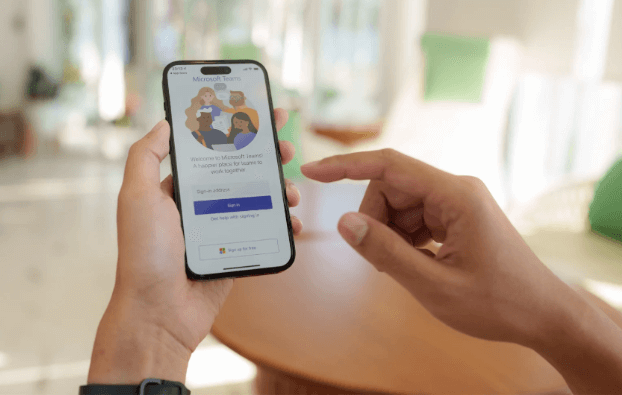
Artificial Intelligence (AI) is everywhere we look, and if you don’t start using it within your business soon, then you will start falling behind the competition. It is now embedded within the tools many businesses use every day, and Microsoft Teams is a prime example of this. With AI features designed to improve productivity, reduce admin, and help teams work more collaboratively when working remotely.
For businesses already using Microsoft 365, the AI capabilities within Teams offer immediate benefits without the hassle of having to purchase additional software. As Microsoft continues to invest heavily in AI, like many businesses, the features they are adding are beneficial for companies of all sizes. In this blog, we are going to explore the key AI features within Microsoft Teams and how they work.
AI-Powered Meeting Intelligence
Gone are the days where you have to take minutes for important meetings, AI helps to remove this manual task.
1. Automatic transcription & live captions
Teams uses AI-driven speech recognition to generate live captions and full meeting transcripts. This is particularly useful when the meeting audio quality isn’t up to scratch, or if someone in the meeting is working from a local coffee shop with background noise. It is also great for senior teams who may not have time to attend a particular meeting, but still need to know what was discussed.
2. Intelligent meeting recaps
AI-generated meeting recaps automatically pull together key discussion points, and decisions that were made during the meeting, and any action tasks to take forward. This means that rather than rewatching entire recordings, staff can quickly scan what matters the most. With this feature in Teams, it also helps to reduce meeting overload, ensuring that outcomes are clear and actionable for everyone involved.
Microsoft Copilot in Teams
Microsoft Copilot is an AI assistant embedded within Microsoft 365 software. We could write a whole other blog post on how this is helping to revolutionise the way that businesses work, but let’s focus on how it works within Teams for now.
1. AI assistance during meetings
Copilot can really help reduce the length of internal meetings by summarising discussions in real time, answering questions such as ‘what has been decided so far’, and draft follow-up messages or emails. This helps to ensure nothing is missed, and is particularly useful for those complex meetings where no one can remember afterwards what was discussed!
2. Post-meeting content creation
As well as creating structured meeting summaries, Copilot is able to draft task lists within Microsoft Planner so that after each meeting, everyone knows exactly what they are responsible for moving forward. It can even create client-ready notes linked with intelligent reminders about deadlines, follow-ups and incomplete tasks. Helping to keep teams on track.
AI-Enhanced Chat & Messaging
AI within Teams isn’t just limited to meetings, it is also a useful tool to enhance everyday communications.
1. Message suggestions
AI can suggest clearer, more professional phrases for messaging as well as altering the overall tone of voice to help reduce the risk of miscommunication.
2. Smart search
Within Teams, it is much easier to search using AI by understanding context rather than just keywords. So if any files are mentioned in conversations or decisions were made, these can be quickly recalled from previous chats.
Practical Benefits for Businesses
When implemented correctly, AI features within Microsoft Teams can significantly reduce meeting admin and also reduce the time spent following up with attendees. Collaboration across different locations is also improved with the ability to easily track decisions made within meetings.
Getting the Most from AI in Microsoft Teams
AI is no longer something businesses can ignore; it is becoming an incredible tool that allows businesses to spend less time on routine tasks and processes are streamlined. A few ways that businesses can really benefit from the AI features within Teams is by:
- Ensuring Teams is fully up to date within Microsoft 365
- Provide basic staff training on AI capabilities
- Review internal permissions & data governance policies
- Align AI usage with existing IT and security frameworks
If you are looking to introduce AI to your business using Microsoft Teams, get in touch with the experts at Reality Solutions who are here to guide you through the process.
*This article contains general information in order to assist all of our customers and is meant for guidance only – there are no guarantees that the information we provide will be suitable for your particular needs. If you require specific assistance, we recommend that you seek professional guidance on your individual circumstances. Reality Solutions are in no way responsible for any loss or damage arising from any information contained within our articles.