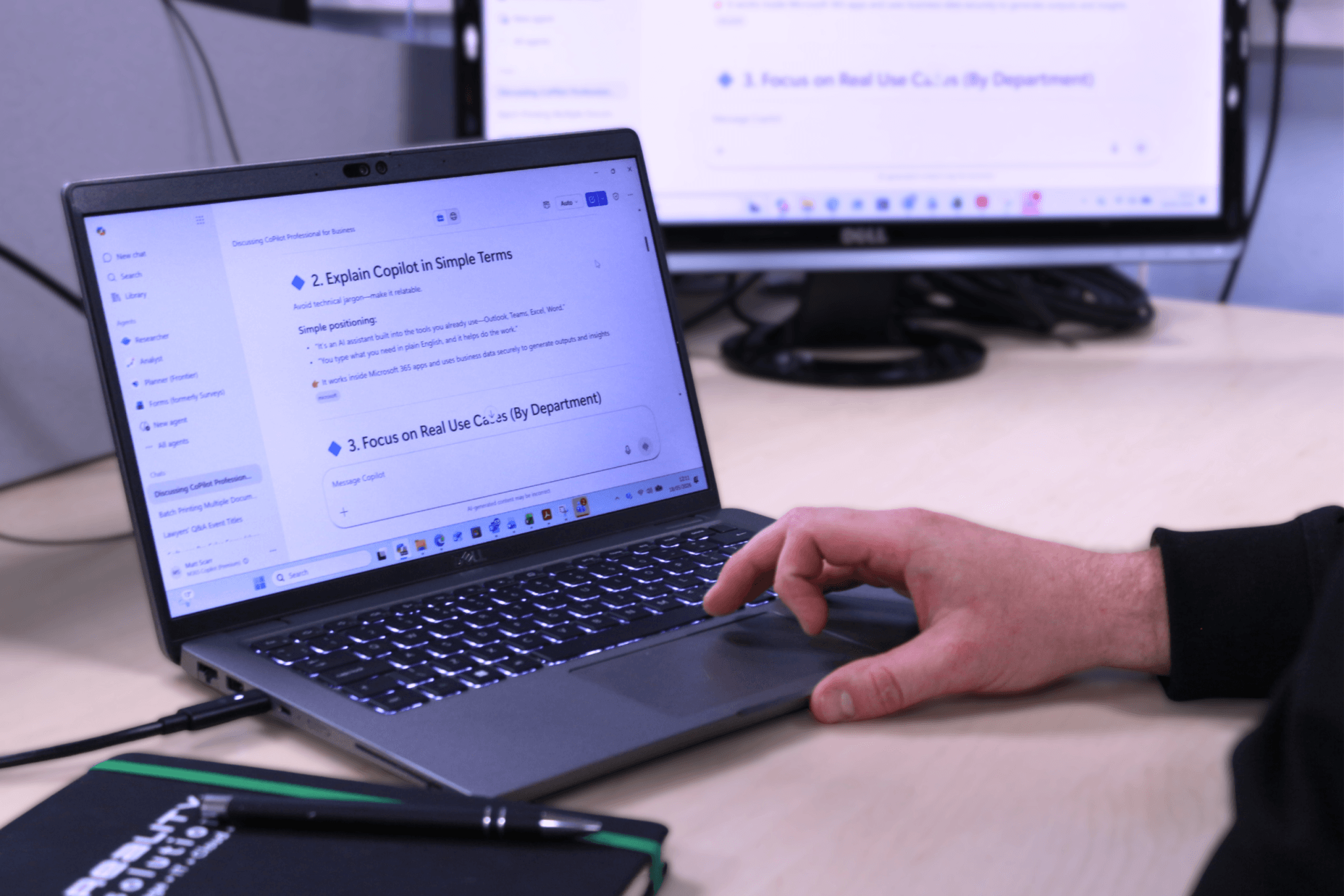
Here is the second part of our Microsoft Copilot blog series, where we show you how to build internal processes using this software. As businesses grow, they become more complex and tasks can often become fragmented and processes vary between teams. Structured internal processes are key, and AI tools like Microsoft Copilot can help build these quickly and effectively. Microsoft Copilot helps businesses turn information into clear, repeatable processes. By identifying routine tasks, standardising communication, documenting workflows and automating admin, Copilot streamlines operations and reduces inefficiencies.
In this guide, we are going to explain how to use Copilot to create and refine internal processes to help move your business forward.
Why Internal Processes Matter
Internal processes are the cornerstone of any business, as they ensure consistency, help improve productivity, and allow for easy growth. Many SMEs still rely on inconsistent documents, and even knowledge stored inside people’s heads. Not only does this create bottlenecks, but also there are more risks when it comes to growing teams in this way. Microsoft Copilot can help bridge this gap by turning knowledge into structured, repeatable systems.
Step 1 – Identify Repeatable Tasks
The first stage in building processes in a business is to think about what tasks are repeated on a daily, weekly or monthly basis. Common examples are:
- Client onboarding
- Monthly reporting
- Social media scheduling
- Invoice processing
- Internal approvals
Using Microsoft Copilot within Microsoft 365 tools like Word or Excel, you can generate a structured outline to give you a starting point for these tasks. Helping to save time and resources.
Step 2 – Turn Knowledge into Workflows
Once you have identified the task that needs automating, the next step is to document it properly. Copilot can help to:
- Convert notes into step-by-step guides
- Summarise meetings into actionable workflows
- Standardise language across documents
One of the main reasons that processes never get written down is people don’t know where to start. Copilot can take this hassle away, turning processes into actions.
Step 3 – Standardise Communication Between Teams
One of the biggest inefficiencies within businesses is inconsistent communication. This can lead to a lack of trust with clients, and complete confusion internally too. Copilot can help standardise some of the following processes:
- Email responses
- Internal updates
- Client communications
For example, you could ask Copilot to draft a consistent client update email for monthly reporting.
Step 4 – Automate Repetitive Admin Tasks
Once a process has been automated, it is then time to reduce the manual effort associated with the tasks. Copilot is great as it integrates with tools including Microsoft Excel, so can help with analysing data, generating reports, and highlighting trends too.
With Copilot able to provide instant insights, this allows businesses to spend more time focusing on decision-making as opposed to data processing.
Step 5 – Build Processes Directly into Daily Tools
The magic of Copilot is that it works inside the tools your team already use. This comes in handy particularly with Microsoft Teams, as Copilot allows you to:
- Summarise meetings
- Extract action points
- Create follow-up tasks
This means that processes aren’t sat in documents unused, they simply integrate into every day processes.
One thing to note is that processes shouldn’t be static, they should grow with your business. Copilot makes this even easier by:
- Reviewing existing documents
- Suggesting improvements
- Highlighting inefficiencies
Common Pain Points Copilot Can Solve
- Time lost to admin – Copilot reduces time spent on repetitive tasks such as reporting, note-taking and creating drafts.
- Inconsistent processes – workflows can easily be standardised with Copilot.
- Lack of documentation – Copilot helps to remove the barrier to creating clear, structured standard operating procedures.
- Poor internal communication – Copilot ensures consistent, professional messaging.
Tips For Using Copilot
When giving Copilot prompts, the more specific you can be the better. Of course be careful in terms of sending over any sensitive information (more to come on this in a future blog).
Also don’t expect it to churn out the perfect result each time, make small tweaks and continue to refine documents.
Training your team is also essential, so everyone knows how to use it effectively.
Of course this should go without saying, but remember nothing beats human oversight when it comes to checking AI tools for accuracy!
If you are looking to build smarter processes or rollout Copilot within your business, expert support can make all the difference. The team at Reality Solutions are here to help, so please get in touch.
Frequently Asked Questions
1. What types of tasks can Copilot help standardise?
Copilot can help with onboarding, reporting, approvals, communications and generally any repeatable workflows.
2. Can Copilot turn meeting notes into processes?
Yes, Copilot is great at summarising meetings, extracting actions and converting notes into step-by-step actions.
3. Does Copilot improve internal communication?
It helps create consistent email templates, client updates, and internal messaging between teams.
4. How does Copilot reduce admin time?
By automating data analysis, reporting, drafting documents, and highlighting trends inside tools like Excel and Teams.
5. Do processes stay static once created?
No, Copilot can review existing documents, suggest improvements and evolve processes as your business evolces.
*This article contains general information in order to assist all of our customers and is meant for guidance only – there are no guarantees that the information we provide will be suitable for your particular needs. If you require specific assistance, we recommend that you seek professional guidance on your individual circumstances. Reality Solutions are in no way responsible for any loss or damage arising from any information contained within our articles.